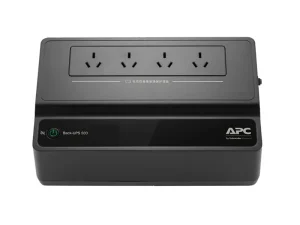
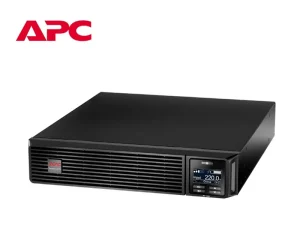
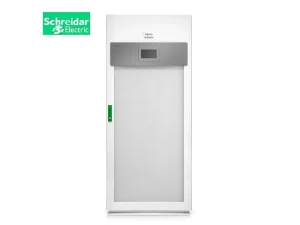
Why APC Smart-UPS Systems Are Ideal for Small Business Server Rooms
For small and medium-sized enterprises, the server room is the core infrastructure that supports daily operations. From customer transactions to cloud data synchronization, even a momentary power interruption can bring business operations to a halt. Unlike large enterprises that have dedicated power supply systems, most SMBs rely on the public power grid — which is often prone to voltage sags, surges, and outages. These risks make a reliable uninterruptible power supply (UPS) a necessity. To address these risks, APC Smart-UPS delivers better value with its SMB-friendly pricing.
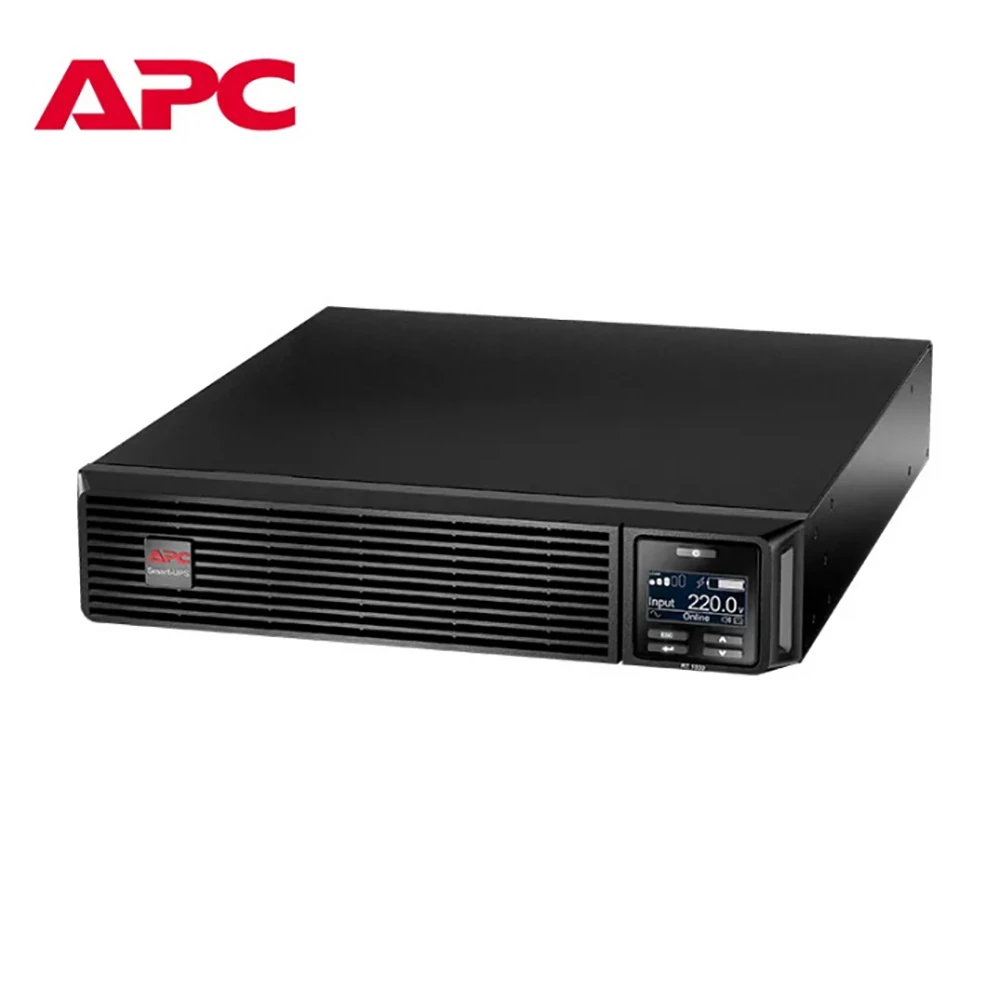
1.What Is an APC Smart-UPS System?
1.1 Overview of APC Smart-UPS Technology
The APC Smart-UPS series uses double-conversion online technology to convert incoming AC to pure sine wave AC, eliminating voltage sags, surges, and frequency fluctuations. Built-in AVR corrects minor voltage deviations without using battery power, achieving ±1% output voltage accuracy. The hardware includes high-efficiency transformers, modular power units, and hot-swappable maintenance-free lead-acid batteries.
1.2 Who Uses APC Smart-UPS Systems?
Based on industry distribution data, APC Smart-UPS systems are predominantly used in:
· SMB IT server rooms – 40% (file servers, network switches)
· Educational institutions – 30% (school server rooms, computer labs)
· Retail POS systems – 15% (point-of-sale terminals, payment gateways)
2.Technical Specifications and Certifications of APC Smart-UPS
2.1 Input/Output Performance
· Output voltage accuracy: ±1%
· Frequency stability: ±0.1Hz
· Load power factor: 0.9 to 1.0, compatible with both inductive and capacitive loads. Select APC models support a full 1.0 power factor at rated load.
2.2 Efficiency and Overload Capacity
Typical conversion efficiency: Approximately 95% for APC Smart-UPS
Overload capacity (industry standard):
· 125% load → 10 minutes
· 150% load → 1 minute
· 200% load → 1 second protection
2.3 Environmental Ratings and Certifications
Operating temperature: 0°C to 40°C
Storage temperature: -20°C to 60°C
Relative humidity: 0% to 95% non-condensing
APC UPS systems carry multiple international and regional certifications:
· CE (EN 62040-1/2/3) – UPS safety and EMC requirements
· cULus – North American safety standard
· TÜV – Independent product safety certification
· TLC (China) – Telecommunication equipment certification
· ISO 9001 / ISO 14001 – Quality and environmental management
· IEC 61000 – Electromagnetic compatibility
· UL 60950-1 / FCC Class A / RoHS – Specific to APC UPS models
3.Key Features That Make APC Smart-UPS Popular
3.1 High Efficiency and Energy-Saving Modes
Select Smart-UPS models feature an ECO mode that achieves 98% efficiency, saving approximately 5% more energy compared to standard online mode. This is particularly beneficial for environments with fluctuating loads, such as retail POS systems or school computer labs.
3.2 Hot-Swappable Battery Design
APC Smart-UPS uses maintenance-free lead-acid batteries and supports hot-swapping. You can replace a faulty battery without turning off the power to the connected device.
3.3 Smart Monitoring and Remote Management (Patented Technologies)
APC owns several key patents. The SmartSlot intelligent expansion interface, located on the front of the device, supports remote monitoring cards and SNMP protocol extensions, thereby enabling comprehensive remote operation and maintenance capabilities. Its patented AVR automatic voltage regulation circuit is applied to the input stage, which can correct voltage fluctuations without switching to battery-powered mode. In addition, the device’s patented intelligent battery monitoring technology can provide early warnings of malfunctions.
4.APC Smart-UPS vs Traditional UPS Systems
4.1 Cost Comparison
APC Smart-UPS uses SMB-friendly pricing. Entry-level models are priced 10–15% lower than comparable units, offering strong value.
4.2 Lifespan Comparison
Thanks to its modular design, individual components can be replaced separately. The total UPS service life reaches 8 years — 1 to 2 years longer than traditional non-modular UPS systems.
4.3 Efficiency Comparison
In ECO mode, APC Smart-UPS achieves 98% efficiency, saving about 5% more energy than standard online mode. This is ideal for environments with fluctuating loads.
4.4 Rack Space Savings and Business Gains
Compare a 2U rack-mount APC Smart-UPS to an 8U traditional tower UPS:
· 6U of rack space saved
· Enough room for two additional servers
· 50,000 RMB in annual business revenue increase
4.5 Time and Cost Benefits
Time benefit: Reduced downtime. At an estimated $10,000 per hour, annual savings reach $50,000.
Cost benefit: Battery life extended by 30%. Over 5 years, battery replacement savings total $5,000.
Efficiency benefit: At 96% high-efficiency mode, annual electricity savings reach $2,000.
5.Real-World Application Case
A supermarket chain has deployed APC Smart-UPS RT products across its network of over 500 stores. Each unit provides backup power to Point of Sale (POS) systems during power outages. The automatic switching capability ensures zero loss of transaction data, thereby directly enhancing operational efficiency.
6.How to Choose the Right APC Smart-UPS for Your Server Room
6.1 Calculating Power Load (VA / Watt)
List all equipment to be protected — servers, switches, routers, and storage. Add a margin for future expansion. APC Smart-UPS models are rated in VA (volt-amperes) and watts.
6.2 Choosing Required Backup Runtime
Decide how long your server room must stay operational during an outage. Typical SMB requirements range from 15 to 30 minutes. APC ups power supply supports external battery packs for extended runtime.
6.3 Rack Mount vs Tower Selection
Choose rack mount (1U/2U/3U) if you have a 19-inch server cabinet and want to maximize floor space.
Choose tower if you have an open shelf or a small network closet without a standard rack.
6.4 Planning for Future Expansion
Consider models with SmartSlot for remote management cards. Make sure the unit supports hot-swappable batteries so you can replace them without downtime when they age.
7.Common Mistakes When Buying a UPS
7.1 Underestimating Power Requirements
Buying a UPS that is too small for your actual load leads to overload shutdowns. Always measure real-world power draw — don’t just rely on nameplate ratings.
7.2 Ignoring Battery Maintenance Cycles
UPS batteries have a finite lifespan. Ups APC battery monitoring technology provides early failure warnings. Regular testing (every 6 months) and replacement every 3–5 years prevents unexpected surprises.
7.3 Overlooking Remote Monitoring Needs
Without SNMP or network card support, you may not know your UPS is running on battery until servers start shutting down. APC SmartSlot with SNMP expansion solves this by sending alerts via email or SMS.
8.Conclusion
APC Smart-UPS combines enterprise-grade double-conversion technology with SMB-friendly pricing — entry-level models are priced 10–15% below comparable units. They deliver pure sine wave output, ±1% voltage accuracy, hot-swappable batteries, and patented SmartSlot remote management — all in space-saving rack-mount form factors. If you are interested in this product, please feel free to contact us for more information and a quotation.
9.FAQ
Q1: What size APC Smart-UPS do I need?
A: Calculate the total wattage of your servers and network equipment, then add a margin. A typical SMB server room (2–3 servers plus switches) usually requires 1000–2200VA. APC offers models from 500VA to over 5000VA.
Q2: How long does a UPS battery last?
A: Typically 3–5 years, depending on temperature and discharge cycles. APC’s intelligent battery monitoring technology provides replacement alerts.
Q3:What is the difference between Smart-UPS and Back-UPS?
A: Smart-UPS delivers pure sine wave output, double-conversion online topology, and SmartSlot expandability — designed for servers and sensitive network equipment. Back-UPS is suitable for desktop computers and peripherals.
Q4: How to install APC rack-mount UPS into a 19-inch cabinet?
A: ① First, install the rack rails and adjust their position according to the UPS depth. ② Gently slide the UPS into the rails and secure the front panel screws. ③ Connect the input power cable, output load cables, and battery cable. ④ Connect the ground wire, power on for testing, and confirm no alarms before putting the UPS into service.
Q5: Can UPS units from different brands be used in parallel?
A: Direct parallel operation is not recommended. Different brands use different parallel protocols and synchronization logic. Forcing them to run in parallel may cause uneven load sharing, excessive circulating current, and equipment damage. If redundancy is needed, consider a dual-bus power supply solution, or choose parallel-ready models from the same brand and same series.